Moonfade Blog
What happens when Moonfade’s fade duration is set to zero?
Understand what a zero-second fade removes, what the countdown still does, and why a playback request must be checked in your actual Android player.
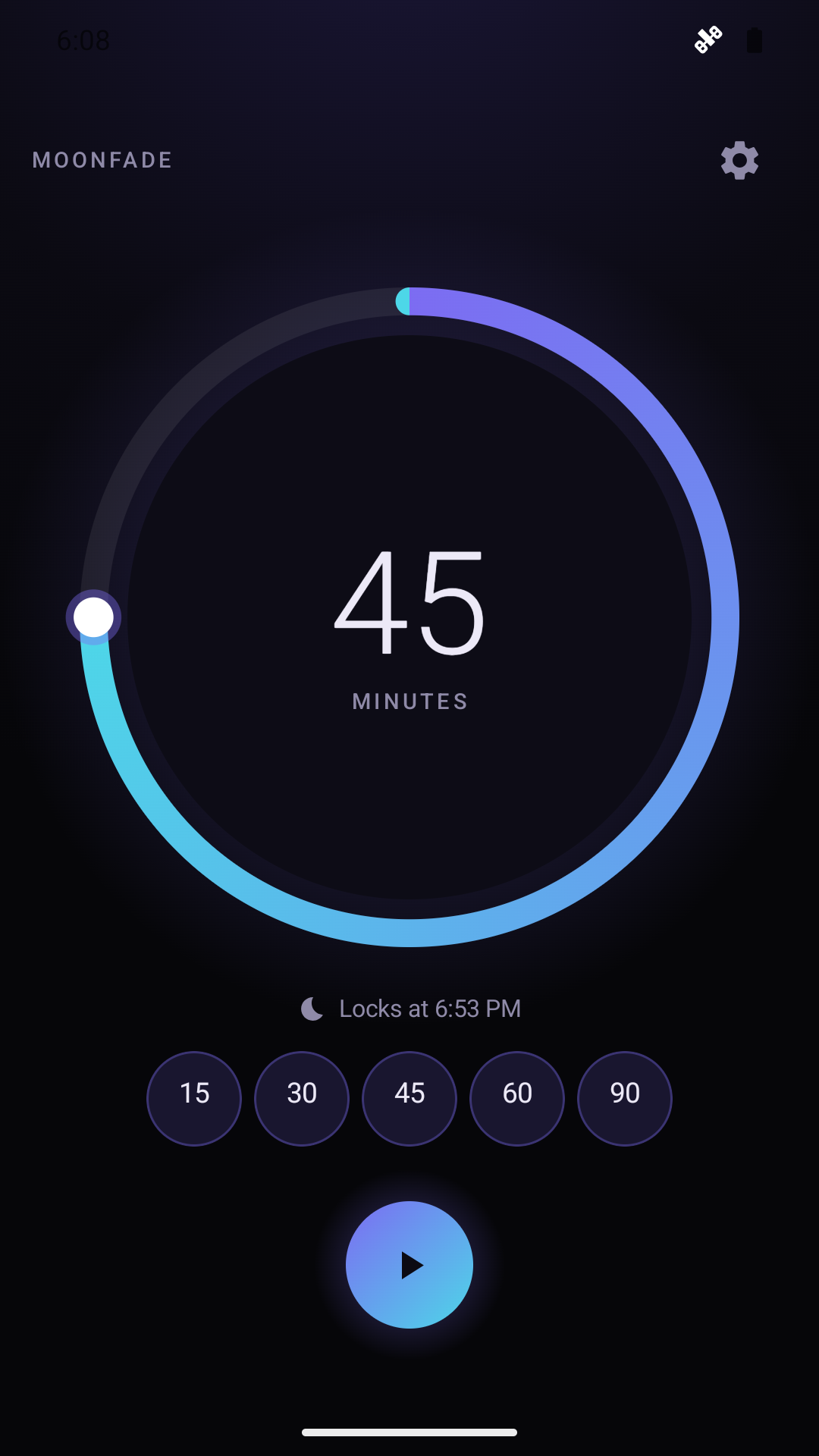
Setting Moonfade’s fade duration to zero removes the gradual fade interval after countdown completion. It does not make the countdown disappear, and it does not guarantee that your media player pauses immediately. The Moonfade product guide places the fade in a 0–60-second range and describes it as happening when the countdown ends, before the request to pause playback.
With Stop audio & video enabled, countdown completion starts the configured 0–60-second media-volume fade, followed by an audio-focus request to pause playback. Moonfade then separately requests display lock when Turn off the screen is enabled. Disabling Stop audio & video skips both fade and audio focus. These requests do not prove that the player paused or the physical display locked.
Zero is therefore a choice about the ending’s gradual volume transition. Treat it as separate from both your selected listening duration and the actual response of another media app.
Understand the three parts of the ending
It helps to distinguish three observations:
- Countdown: the duration you set in Moonfade reaches completion.
- Volume transition: the selected fade interval determines whether that ending includes a gradual reduction over time.
- Player response: the media app responds to the playback-ending request on your Android device.
With zero fade, you have removed a gradual interval from the second part. The first part still follows the timer duration you chose. The third part remains something to verify in your player rather than infer from the setting alone.
For example, choosing a 15-minute timer and zero fade does not mean selecting a zero-minute timer. You still chose a 15-minute countdown; you simply chose not to add a gradual fade interval after it finishes.
When zero may fit your preference
You may prefer zero if a gradual reduction makes spoken words difficult to follow, or if you want to compare a more abrupt ending with a positive fade. These are preferences you can observe through a short listening test.
Zero should not be presented as a special compatibility mode. The public instructions do not say it gives Moonfade universal pause control or changes how a particular named media app handles audio focus.
It also should not be chosen as a claimed solution to every unexpected playback result. If the player keeps running after the timer ends, changing fade length is only one setting change; you still need to check the playback request and the player’s behavior.
Test zero without changing everything else
Use the same player and playback setup you plan to use later. Start the media first, then choose a short Moonfade duration so you can observe the ending promptly.
In Moonfade Settings, set the fade to zero and check Stop audio & video. Tap Start and complete Device Admin activation when prompted before the countdown begins; the current version requires it for display lock. Watch the countdown finish, then check both the sound and the player’s state.
Useful observations include whether the media volume changed, whether the player indicates a paused state, and whether its playback position continues advancing. Do not rely solely on a quiet speaker: silence and a paused player are different results.
For a comparison, use the fade-length selection guide and repeat with a positive fade while keeping the rest of the setup similar. That can help you choose an ending you prefer without claiming the app has measured which option is better for you.
If playback continues
Moonfade Support explains that Moonfade lowers the Android media-volume stream and requests audio focus, while media apps and Android devices can respond differently. A playback request is not proof of a successful pause.
Check that Stop audio & video is enabled, then repeat a short test with the actual player. If the result remains unexpected, record the phone model, Android version, chosen fade, and what happened at countdown completion. Describe volume behavior and playback state separately.
Avoid changing unrelated permissions or asserting that zero fade must fix the problem. The evidence supports testing this setting, not promising a universal repair.
Questions that often cause confusion
Is zero fade the same as stopping the timer early? No. It is an ending setting for a timer that reaches completion. The notification’s stop action is the documented way to cancel an active timer.
Does zero change the Device Admin requirement? No. The current version still requires prompted administrator activation before the countdown begins. Fade length and administrator activation have different purposes.
Get Moonfade on Google Play and test a zero-second ending with a short countdown, checking whether your chosen player actually pauses before planning a longer session.