Moonfade Blog
Does Moonfade lower media volume or mute every Android sound?
Moonfade’s ending works on Android media volume. Keep that separate from alarm, call, and notification sounds—and from whether your player actually pauses.
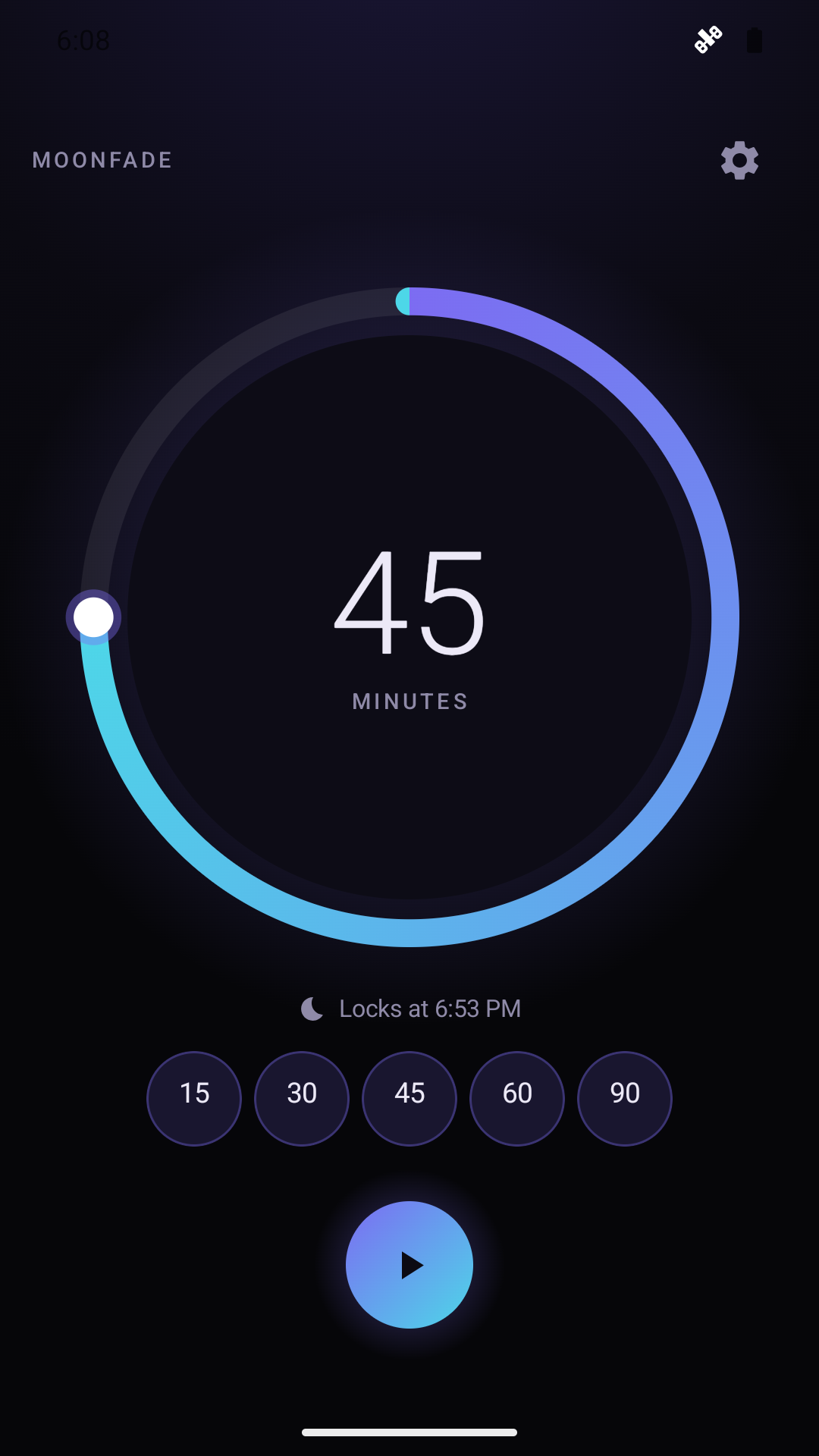
With Stop audio & video enabled, Moonfade lowers Android’s media-volume stream at the timer ending; you should not treat it as a switch that mutes every sound on your phone. Media volume is also separate from playback state. A podcast or video becoming quieter does not, by itself, prove that the player paused or that an alarm or notification sound changed.
Know which sound category you are observing
Android separates sound controls into categories such as media, calls, ringing or notifications, and alarms. The available controls and instructions vary by Android version. Google's volume and sound settings guidance is the appropriate reference for checking those categories on Android.
Moonfade's supported action is more specific. Its playback support page describes lowering the Android media-volume stream and requesting audio focus at the timer ending. Do not extend that description into a claim that Moonfade controls alarms, calls, or notification sounds.
This distinction helps you interpret a test. If the media becomes quiet but a notification makes a sound later, those observations do not necessarily contradict each other. They concern different sound categories. Use Android's own sound settings to inspect the category you actually want to understand; do not assume the timer is a substitute for those controls.
Separate a fade from a pause
The chosen countdown measures the timed session. With Stop audio & video enabled, countdown completion starts the configured 0–60-second media-volume fade, followed by an audio-focus request to pause playback. Moonfade then separately requests display lock when Turn off the screen is enabled. Disabling Stop audio & video skips both fade and audio focus. These requests do not prove that the player paused or the physical display locked. The product guide describes that order and the range of timer and fade settings.
A useful test therefore needs two observations. Listen for the media-volume transition, then inspect the player state. The sound may be difficult to hear while the playback position is still advancing. Conversely, a player may show that it paused; that is evidence about playback in that app, not about all other phone sounds.
Setting the fade duration to zero removes the gradual interval. It does not turn a media-volume action into an all-sound mute control, and it does not remove the need to check the player's response.
Check the ending in a controlled test
- Start media in the app you normally use, at a comfortable audible level.
- Open Moonfade and choose a short countdown.
- Enable Stop audio & video in Settings and choose a fade duration you can observe.
- Tap Start and complete Device Admin activation when prompted. The current version requires activation before the countdown can begin.
- Observe countdown completion, followed by the selected fade interval.
- Return to the media app and check whether playback actually paused.
Keep display lock as another separate observation. Device Admin lets Moonfade turn off and lock the display. A dark or locked screen is not a reading of the player's playback state or every Android sound control.
For the first test, avoid changing Android's other sound settings midway through the ending. Keeping changes separate makes it easier to tell what you observed. You can inspect the device's sound categories afterward using the relevant Android instructions.
Describe an unexpected result precisely
If media keeps progressing after it becomes quiet, check that Stop audio & video was enabled and repeat a short test with the same player. If you contact Moonfade support, describe the volume change and playback result separately, along with your Android version, phone model, and media app.
If your question concerns alarm or notification volume, identify that category explicitly. A report that “sound still happened” is less useful than one that says which sound was involved. Do not change an alarm arrangement based only on the assumption that the timer controls it.
Does a quiet player mean the session stopped?
It may mean only that media volume fell. Inspect playback state or position in the player to establish the result.
Can I use Moonfade to set every phone sound?
That is outside the supported media-timer behavior. Use Android's own controls for the relevant sound category.
Get Moonfade on Google Play and test the media-volume ending with your usual player, checking its actual pause state afterward.