See your first Moonfade setup
A screen-by-screen demo from verified screenshots. Use Previous and Next to explore at your own pace. This shows captured states, not a live product session.
Android 36 emulator · separate Moonfade Sandbox QA build · October 11, 2026. Timer/settings UI shared with release 1.0.1. No physical-player compatibility or purchase is demonstrated.
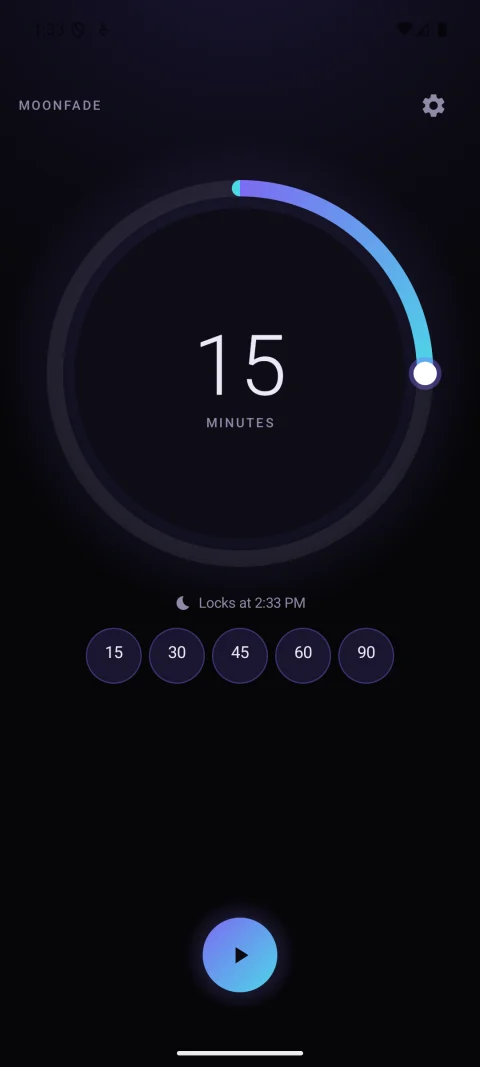
Start your media and choose a duration
Start playback in your usual media app, then open Moonfade. Choose 1 minute to 24 hours with the dial, or a preset. This capture selects 15 minutes; use a short timer for your own player test.
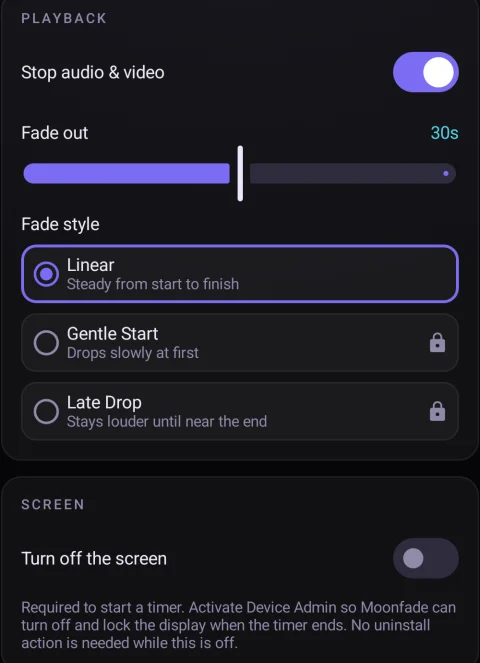
Check playback and fade settings
Enable Stop audio & video for the playback-ending request. Fade out runs after the countdown, for 0–60 seconds. This capture uses 30 seconds and the basic Linear curve.
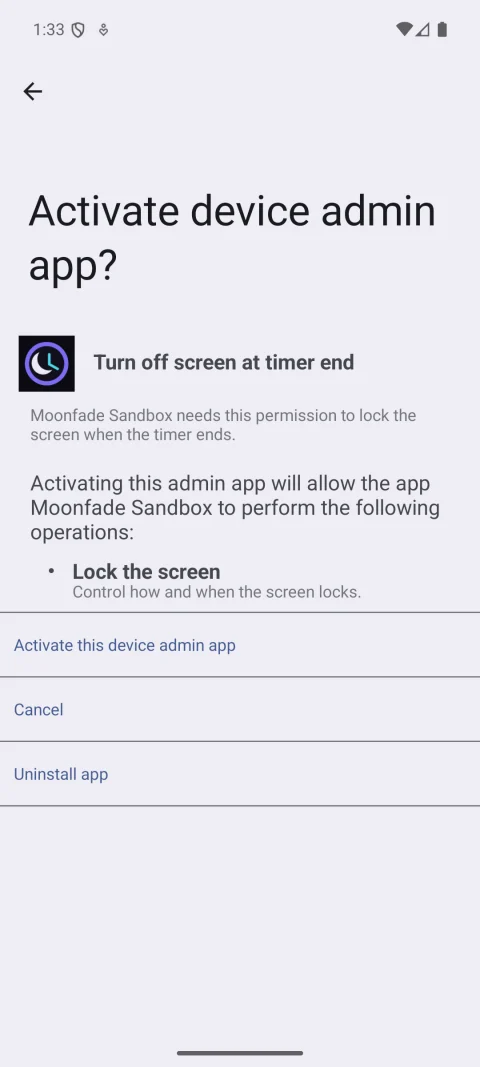
Complete the required activation
Tap Start. If prompted, select Activate in Moonfade, review Android’s Lock the screen permission, and select Activate this device admin app to continue. Declining leaves the in-app timer unstarted.
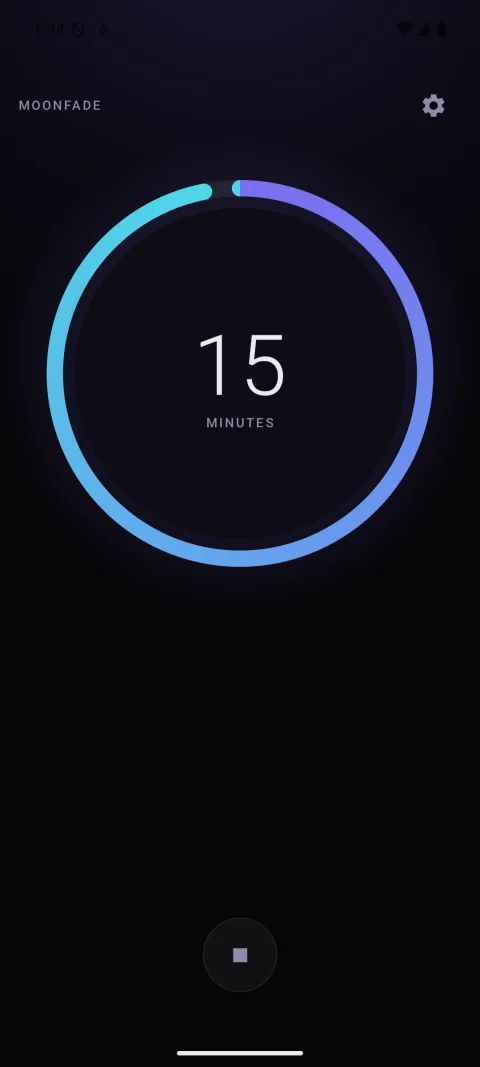
Confirm the timer is running
The countdown starts and Start becomes Stop. Select Stop to cancel early. For a full test on your phone, let a short timer and any additional fade finish, then check actual playback and display lock separately.
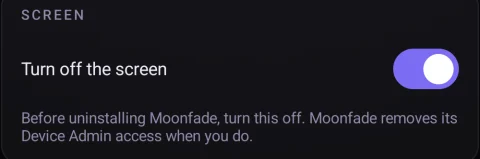
Remove screen-lock access when finished
Stop any timer, then turn off Turn off the screen in Moonfade Settings before uninstalling. This removes Device Admin access. Starting a new in-app timer asks for activation again.